BeastLink System Requirements
Published Steam specs plus practical advice for destruction-heavy matches.
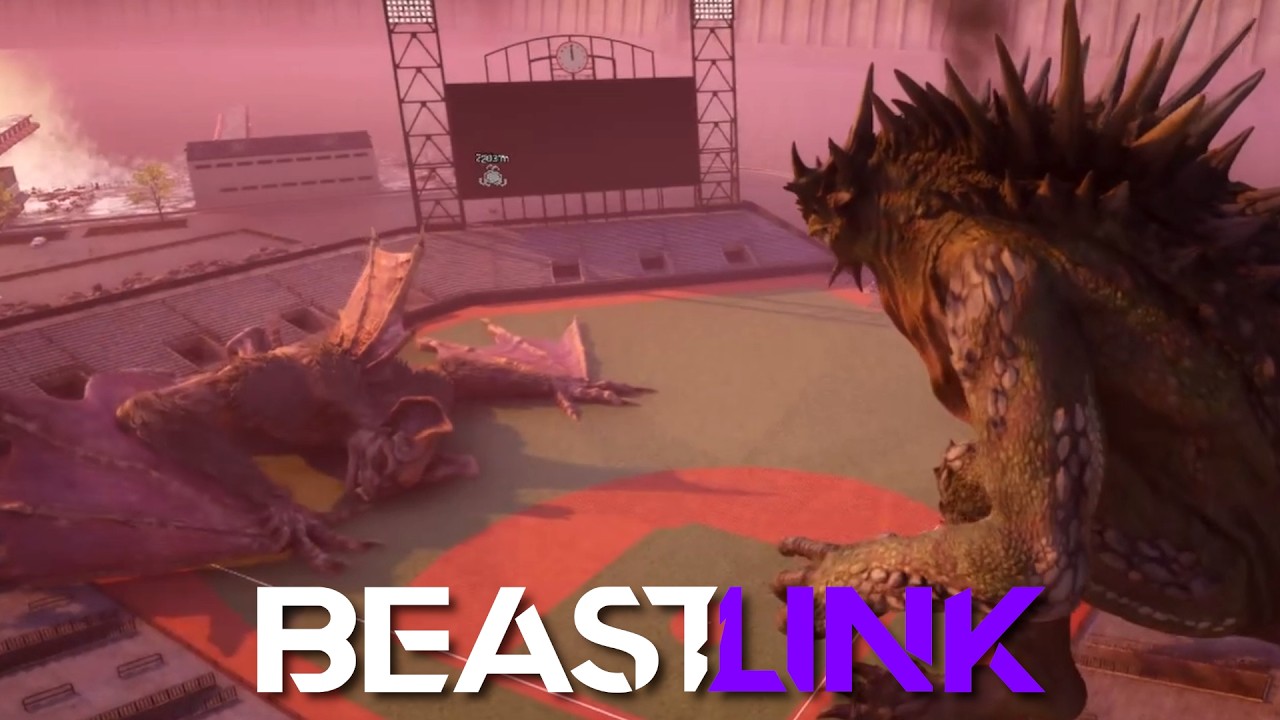
BeastLink is not a light client. City-scale GPU physics and large multiplayer views mean you should read requirements before you promise a launch stream. Use the interactive System Requirements Checker for a quick compare, then use this page for nuance.
Minimum (published)
OS: Windows 10 (64-bit). CPU guidance around Intel Core i5-6400 / AMD Ryzen 5 1500X class. Memory: 16 GB RAM. GPU: GeForce RTX 2060 / Radeon RX 5600 XT class. DirectX 12. Broadband internet. About 30 GB storage.
Recommended (published)
OS: Windows 10 (64-bit). CPU guidance around Intel i7-8700 / AMD Ryzen 7 2700X class. Memory: 32 GB RAM. GPU: GeForce RTX 3070 / Radeon RX 6700 XT class. DirectX 12. Broadband internet. About 30 GB storage.
Why RAM and GPU headroom matter
SuperDestruction fragments huge object counts. Recommended 32 GB RAM is a signal, not marketing fluff. If you sit at 16 GB, close background Chrome zoos before Arena nights. Details on the fantasy load live in SuperDestruction Guide.
Settings advice for EA week
Prefer stable frame pacing over maximum shadows. Lower extras first if multi-Beast collapses hitch. Re-test after GPU driver updates on launch week.
Network
Broadband is required. Destruction-heavy multiplayer is sensitive to instability; wired connections help when you can.
Related prep
Calendar: Release Date Tracker. Scope: Early Access Overview. Skills: How to Play. More tools: Tools Hub.
Frequently Asked Questions
Quick answers grounded in what BeastLink players ask most.
Can I run BeastLink on 16 GB RAM?
16 GB is the published minimum. It may run with careful settings, but 32 GB is recommended for comfort.
Is an RTX 2060 enough?
It matches published minimum GPU guidance; expect to tune settings, especially during mass destruction.
How much storage is needed?
About 30 GB according to the published Steam requirements.
Where can I auto-check my PC?
Use the System Requirements Checker in the Tools section.